My third shared room was where I finally snapped.
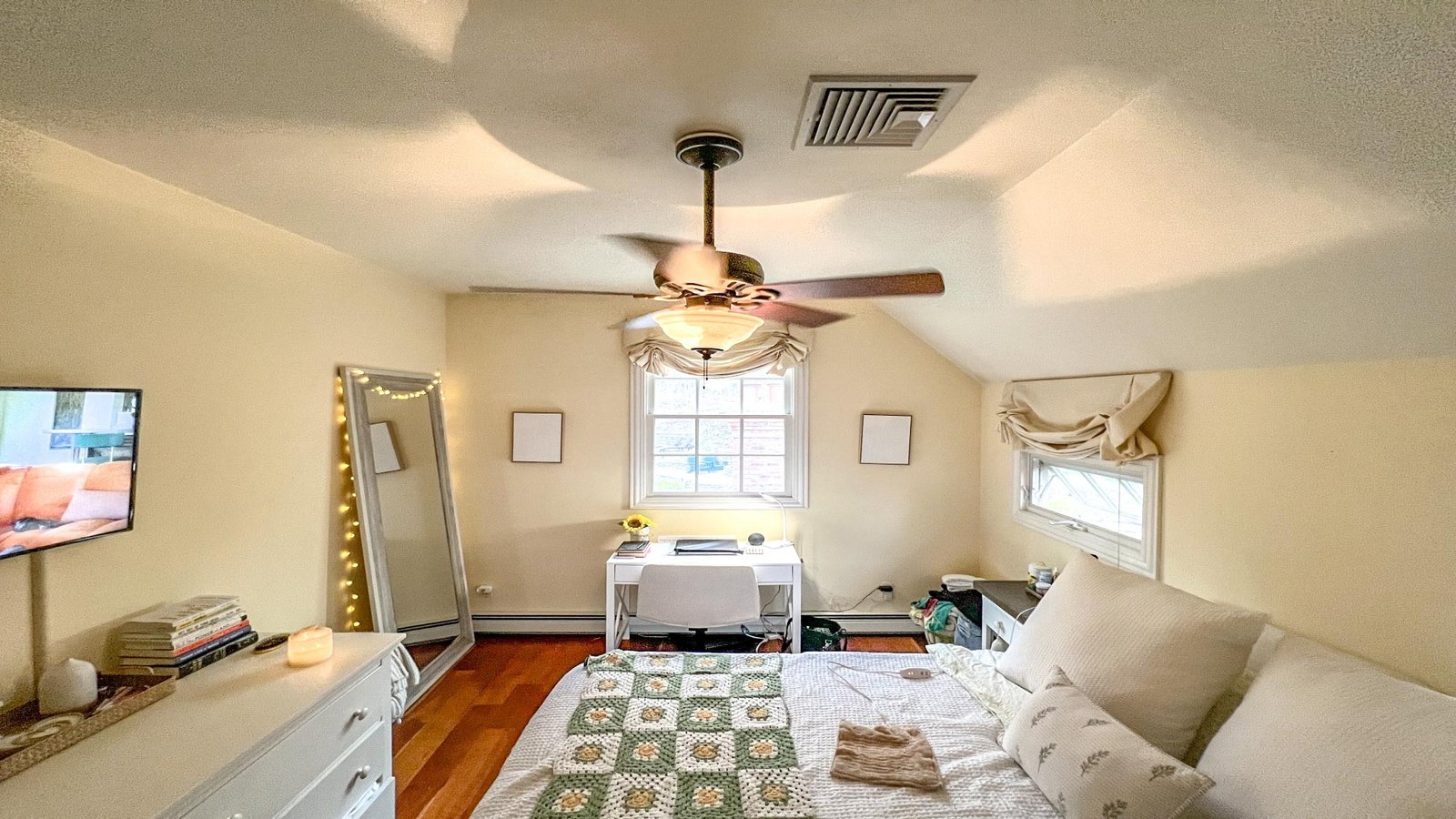
Not at my roommate — he was fine. I snapped at the situation. The tangled cables running across both sides of the room. The single ceiling light that was either blinding or useless. The humidity that made everything smell slightly damp by Thursday. The fact that we had two laptops, two phones, a fan, and a lamp all competing for three wall outlets.
I started researching gadgets out of pure frustration. And what I found wasn’t just “cool stuff to buy” — it was gear that genuinely changed how livable that tiny room felt. Some of it cost less than a dinner out. Some of it I wish I’d bought on day one instead of month four.
If you’re in a small shared room right now — or you’re about to be — these four gadgets are the ones I’d actually recommend from experience. Not a spec sheet. Real use.
1. A Smart Power Strip With USB Ports (The Outlet Problem, Solved)
Let me paint you a picture. Two people. One room. Three outlets — one of which is awkwardly behind the bed, basically unreachable. That’s the reality in most rented rooms, especially older buildings.
The fix that changed everything for me: a smart power strip with built-in USB ports. Not just any power strip — one with individual surge protection switches and at least 4 AC outlets plus 3–4 USB ports.
The one I used was the Kasa Smart Power Strip (EP40) by TP-Link. Around $30–35 at the time. It let me control individual outlets via an app, which sounds like overkill until your roommate goes to sleep and you realize his monitor is still drawing power while he’s out cold.
Why this gadget specifically matters in a shared room:
- It eliminates the “who gets the outlet” argument
- USB ports mean fewer bulky adapters hogging AC slots
- Surge protection saves your laptop and phone from bad wiring (older rentals often have sketchy electrical)
- Smart switching means you can cut power to your devices without physically unplugging in the dark
Step-by-step setup I’d recommend:
- Identify your most-used outlet (usually near the desk or bed)
- Place the smart strip there and run it along the baseboard — don’t drape cables across the floor
- Assign each outlet in the app with a label (my desk lamp, my phone, laptop, etc.)
- Set up a bedtime schedule so non-essential devices cut power automatically
The schedule feature alone probably saved me $8–12/month in phantom electricity costs. Small number, but across a year of shared living, it adds up.
| Feature | Basic Power Strip | Smart Power Strip |
|---|---|---|
| Surge protection | Sometimes | Yes (good models) |
| USB charging ports | Rarely | Yes (2–4 ports) |
| Individual outlet control | No | Yes |
| App/schedule control | No | Yes |
| Average price | $8–15 | $25–40 |
| Worth it for shared rooms? | Barely | Absolutely |
One mistake I made early on: I bought a cheap no-name strip first. It didn’t have surge protection, and when there was a brief power spike in the building, my roommate’s external hard drive got fried. Lesson learned — don’t cheap out on the thing protecting your electronics.
For more on managing shared room costs smartly, these 7 easy rent-by-room methods to share rent smartly are a solid read before you even move in.
2. A Portable LED Desk Lamp With Wireless Charging Base
Here’s a thing nobody warns you about with shared rooms: lighting creates more conflict than almost anything else.
One person wants to sleep. The other needs to work. The ceiling light is the nuclear option — it’s either full brightness for the whole room or pitch black. There’s no in-between.
I went through this exact situation for the first six weeks of one rental. My roommate worked late shifts and came home around midnight. I had early classes. Every night was a negotiation around that one overhead light.
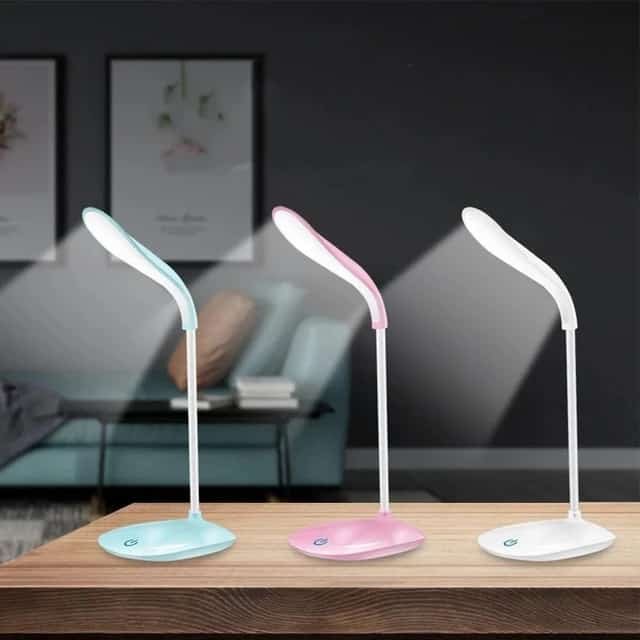
The gadget that ended this: a LED desk lamp with a built-in wireless charging pad and adjustable color temperature.
The one I had was the BenQ e-Reading LED Desk Lamp — not cheap (around $90–100), but worth every cent for a small shared room. If that’s too much, the TaoTronics TT-DL16 does about 80% of the same job for $35.
What makes this gadget earn its spot:
- Adjustable color temperature (warm for evening, cool-white for focus work) means you’re not blasting your roommate with harsh blue light at 11pm
- Wireless charging base eliminates one more cable from your desk surface
- The light footprint is directed — it lights your zone without spilling much onto the other side of the room
- Most models have a USB-A port on the base for extra charging
The color temperature thing is actually huge. Warm light (2700K–3000K) at night keeps your circadian rhythm in check and is way less disruptive to a sleeping roommate than the harsh white overhead. I switched to warm mode after 9pm and my roommate stopped complaining within a week.
Quick guide to picking the right lamp:
- Brightness: Look for at least 500 lumens for desk work
- Color temperature range: 2700K (warm) to 6500K (daylight) gives you full flexibility
- Wireless charging: Qi-compatible, 10W minimum for faster charging
- Arm flexibility: Adjustable arm > fixed position, always
Unexpected benefit I didn’t anticipate: When I switched to the desk lamp as my primary light source in the evenings, the room felt noticeably more relaxed. Turns out harsh overhead lighting was making both of us subtly tense. Soft, directed light changed the whole vibe of the room.
3. A Compact Air Purifier With a Quiet Mode (Smaller Than You Think)
I’ll be honest — I resisted buying an air purifier for a long time. It felt like something people with allergies bought, not something a normal person in a shared room needed.
Then I spent a summer in a shared room with no window ventilation, another person’s shoes near the door, and a slightly questionable carpet situation. By week three, the air in that room had a personality of its own.
A compact HEPA air purifier was the gadget I bought out of desperation and then couldn’t imagine living without.
For small shared rooms, you don’t need a giant unit. The Levoit Core 300 is the one I used — about $100, roughly the size of a water bottle but taller, and whisper-quiet on its lowest setting. It covers up to 219 sq ft easily, which is more than enough for most shared rooms.
What it actually does in a shared room context:
- Removes dust, pet dander, and general airborne particles
- Neutralizes odors (shoes, food, that slightly musty rental smell)
- The quiet mode runs at around 24dB — quieter than a whisper, honestly
- Sleep mode dims the display so it’s not a glowing distraction at night
Running costs are lower than most people expect:
| Cost Item | Estimate |
|---|---|
| Unit purchase (Levoit Core 300) | ~$100 |
| Replacement filter (every 6–8 months) | ~$20 |
| Electricity cost per month | ~$1–2 |
| Total annual cost | ~$135–145 |
Split with a roommate? That’s about $6 a month each. For genuinely better air quality in a closed shared room — that’s a no-brainer.
One thing to watch: Some air purifiers have an “auto mode” that ramps up the fan when it detects particles. Great during the day, annoying at 2am when it suddenly roars to life because someone opened a bag of chips. I kept mine on manual quiet mode at night and auto mode during the day.
If you’re still figuring out the basics of shared room living before worrying about gadgets, these 11 top tips for first-time renters cover the foundational stuff really well.
4. Bluetooth Mesh White Noise Machine (The Privacy Gadget Nobody Talks About)
This one is the most underrated gadget on this list. I didn’t even know white noise machines existed as a “room gadget” until a friend recommended one during my second year of shared living.
Here’s the problem it solves: in a small shared room, you hear everything. Your roommate’s keyboard. Their 1am phone call. Their alarm going off 15 minutes before yours. The sounds bleed constantly, and over time, it quietly wears you down.
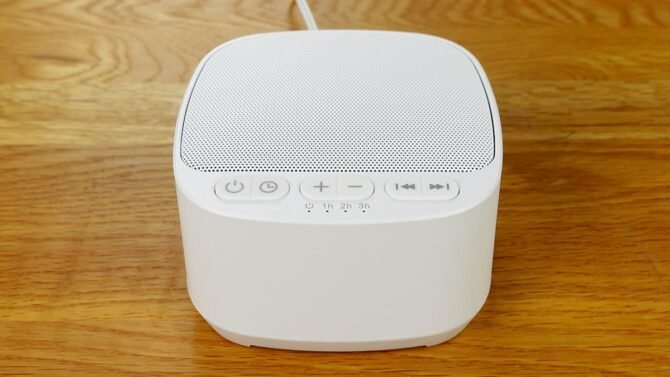
A white noise machine creates a consistent ambient sound that masks those intrusive noises without requiring silence from your roommate.
The one I’d recommend: LectroFan EVO (~$50) or the more budget-friendly Magicteam Sound Machine (~$22). Both have multiple sound profiles — white noise, brown noise, fan sounds — and both are compact enough to sit on a nightstand.
Brown noise vs white noise: White noise is that classic “static” sound. Brown noise is deeper, like a low rumble or distant waterfall. Most people find brown noise easier to sleep to. I switched to it after two weeks on white noise and noticed I fell asleep faster. Small thing, genuinely made a difference.
How I actually used mine:
- Placed it on my nightstand, about 1–2 feet from my head
- Set volume to about 50–60% — enough to mask conversation-level sound, not so loud it’s its own disturbance
- Used the built-in timer so it shuts off 60 minutes after I fall asleep
- Brown noise setting, always
The unexpected bonus: It also gives your roommate privacy. When you’re both in the room, a white noise machine means neither of you can clearly hear the other’s calls or conversations. That mutual privacy thing actually reduced tension in the room more than I expected.
Comparison of popular models:
| Model | Price | Sound Options | Timer | Size |
|---|---|---|---|---|
| LectroFan EVO | ~$50 | 22 sounds | Yes | Small |
| Magicteam | ~$22 | 20 sounds | Yes | Very small |
| Hatch Restore 2 | ~$170 | Many + light | Yes | Medium |
| Marpac Dohm | ~$45 | 2 (fan-based) | No | Medium |
For most shared room situations, the Magicteam is genuinely enough. The Hatch is amazing but built more for solo sleepers who want the full sunrise alarm experience.
Mistake people make: Buying a Bluetooth speaker and playing white noise through it from their phone. The problem is your phone battery drains, the app sometimes stops, and Bluetooth cuts out. A dedicated white noise machine is analog or has its own internal storage — it just runs, all night, without you managing it.
Putting It All Together: The “Small Room Starter Kit”
If you’re setting up a small shared room from scratch and want to invest smartly, here’s how I’d prioritize these four gadgets based on budget:
| Budget | Priority Order | Estimated Spend |
|---|---|---|
| Tight ($50–80) | White noise machine → Smart power strip | ~$55–75 |
| Moderate ($100–150) | Smart power strip → Air purifier → White noise machine | ~$145–165 |
| Comfortable ($200+) | All four gadgets | ~$255–285 |
Start with the white noise machine and smart power strip if you’re on a tight budget — those two solve the most immediate shared-room pain points (noise and outlet scarcity) for the least money.
The air purifier and desk lamp are quality-of-life upgrades that become more worthwhile the longer your rental term.
Common Mistakes When Buying Gadgets for Shared Rooms
A few things I’ve seen people get wrong:
Buying too big. A full-size tower fan, a large air purifier, a giant monitor — everything needs to fit in half a room, not a whole one. Always check dimensions before buying.
Ignoring noise levels. Any gadget that runs at night needs a decibel rating. Look for anything under 30dB for sleep-friendly devices.
Not checking the plug situation first. Before buying anything, count your outlets and measure cable reach. There’s nothing worse than buying a gadget you can’t actually position where you need it.
Buying without roommate buy-in. If a gadget affects both of you — like an air purifier running all night or a white noise machine — give your roommate a heads-up. Shared rooms run on small courtesies.
For more on avoiding the kinds of early mistakes that make shared room life harder than it needs to be, these 8 real rent-by-room lessons I wish I knew earlier are worth a read.
Small rooms don’t have to feel cramped or chaotic. The right gadgets — chosen for the specific realities of shared living — can genuinely transform how comfortable and peaceful your space feels. You’re not trying to make it a luxury apartment. You’re just trying to make it livable, private, and functional for two people who both deserve to rest and work well in the same space.
These four gadgets did that for me. Not instantly, and not without some trial and error. But once they were all in place, that small shared room felt less like a compromise and more like a setup I’d actually chosen.
Also worth checking out: If you want to go deeper on saving money across every part of your shared living situation — not just gadgets — these 10 tips to rent by room in a smart way and save on your monthly bill are packed with practical, experience-backed advice.